
Learning to Code in 2026: The Jedi Toolkit
Learning to code in 2026 feels like you’ve got your own Jedi toolkit. Tutorials, docs, open-source sure, that’s been around. But now AI tools like ChatGPT and GitHub Copilot can whip up chunks of code or help debug stuff in seconds. All of a sudden, it’s easy to wonder: Do you actually want to use AI to learn coding?
Short answer: Yeah, absolutely. But only if you don’t let AI do all the heavy lifting. Because honestly, it’ll boost your progress in the beginning, but if you lean too hard on it, you’ll miss out on the basics.
AI Makes Coding Easier for Beginners
But Here’s the Catch: Passive Learning
The real problem isn’t when AI spits out wrong answers. It’s what happens when you let AI carry you. Copy-paste, move on, barely think about what that code does. You can build things, sure, but you struggle to explain how they work or fix tougher bugs. When things break, or you need to optimize, or you go for a job interview, those gaps show up fast. Overdependence on AI leaves you stuck when you have to troubleshoot or handle complex stuff on your own.
AI Knows Code Patterns, Not Your Project
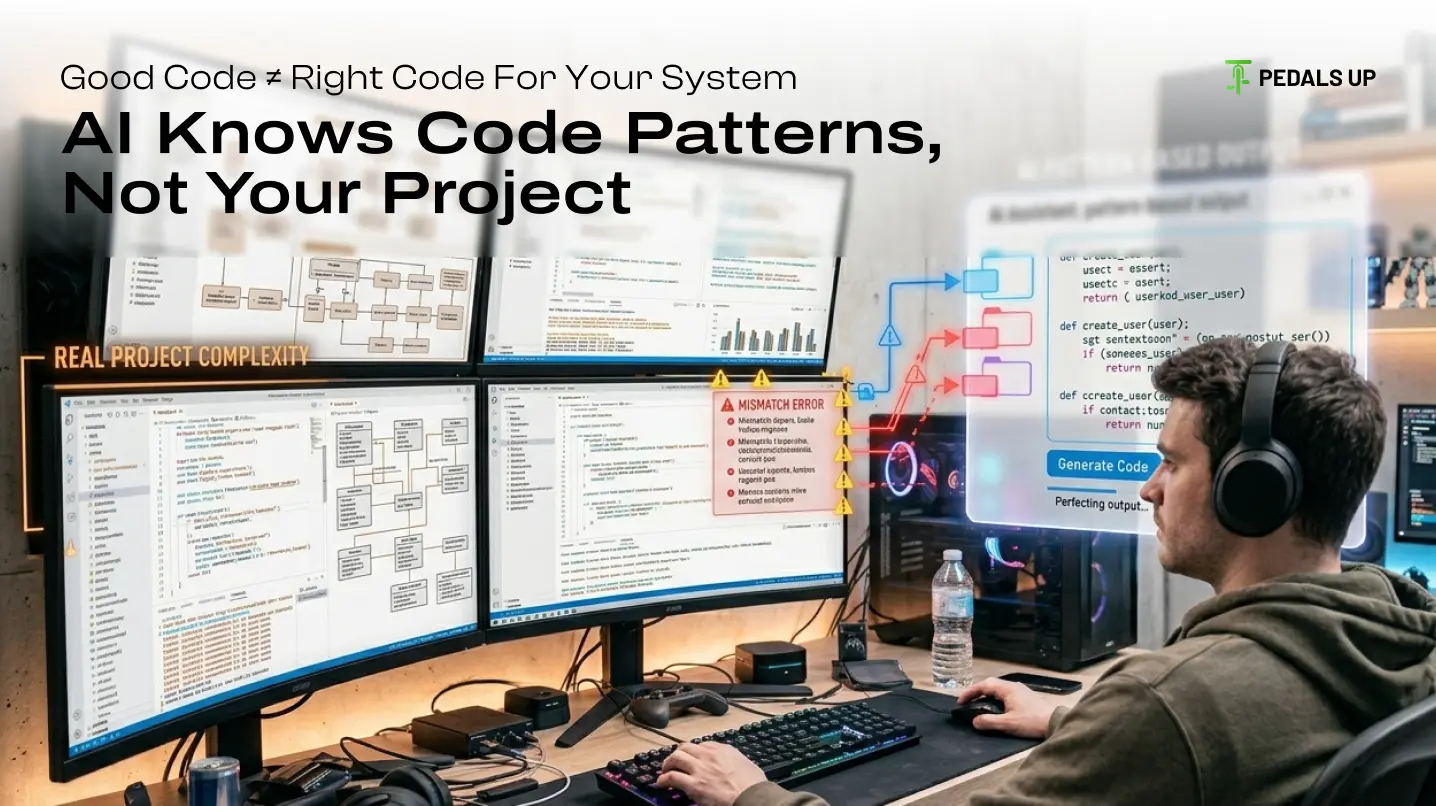
AI models work from patterns. They can craft “correct” code, but they’re clueless about your actual project. So if you ask for help with a React app, AI might give you something that technically works but messes up your state or breaks your structure. It might ignore edge cases, suggest old-school practices, overcomplicate things, or overlook performance issues. Trusting AI too blindly ends up slowing you down in the long run.
How AI Actually Boosts Your Learning
If you use it right, AI becomes an awesome tutor. Here’s where it really helps:
- Clear Explanations: AI can break down complicated topics. From recursion to APIs, it’s like having a patient tutor always ready to explain.
- Debugging: Stuck on a bug? AI helps you spot errors and points out fixes, saving tons of time.
- Reviewing Your Code: AI can give tips on improving logic, naming conventions, and code structure. You’ll pick up best practices much faster.
Exploring New Frameworks: Curious about Node.js or Next.js? AI can walk you through setups and common patterns so you’re not lost.
Where AI Hurts Your Learning
Here’s where you can get burned:
- Copy-Pasting Without Grasping: Just taking AI’s answers slows your progress. You miss out on real understanding.
- Skipping the Fundamentals: Relying on AI for everything means you never get a solid grip on data structures, algorithms, or core problem-solving.
- Overdependence: If you only know how to code with AI, you’ll have a hard time when tools aren’t around or you need to reason through tricky problems.
False Confidence: AI-generated code works on the surface, but it’s easy to fool yourself into thinking you’ve mastered something you actually haven’t.
Using AI the Right Way While Learning
Treat AI like a coach not a magic wand. Here’s a practical approach:
- Try First, Ask Later: Always attempt problems on your own before consulting AI. Even if you stumble, you’ll build real skills.
- Ask for Explanations: Push AI to explain, not just fix. Ask why your code is broken or how a solution works, step by step.
- Rewrite the Answers: Get a solution, but retype it yourself. That way, you actually learn the logic.
- Break Down AI Responses: Don’t just accept long answers at face value. Dig into each piece and see how it fits your code.
Use AI for Review: Write your code first, then use AI feedback to fine-tune it.
How Developers Use AI Today
Pros aren’t swapping their skills for AI. They’re plugging AI into their workflow to handle repetitive bits, generate boilerplate, debug quicker, and work faster. But big-picture decisions architecture, scalability, performance are still up to the devs. Companies like Google and Microsoft weave AI into their tools, but expect engineers to bring strong fundamentals to the table.
Long-Term Outlook
Learning to code isn’t just about outputting working programs. It’s about thinking through problems, understanding systems, and building stuff that scales. AI can help you move faster, but it’ll never replace the critical thinking you need to grow as a developer. If you chase too many shortcuts, you stall out early. But if you use AI to deepen your knowledge, you’ll progress faster than people sticking to old-school methods.
Bottom Line: Should You Use AI to Learn Coding?
Sure, but keep your discipline. Treat AI as a learning accelerator, not a crutch. It should help you go faster, explain tricky concepts, and upgrade your coding habits. Don’t let it make you lazy that’s how you lose your fundamentals and fall behind. The point is simple: Use AI to speed up your learning, but don’t use it to skip the learning altogether.
At Pedals Up, we pair solid engineering skills with AI-powered workflows to build products that don’t just work they last and scale. If you’re aiming to be a better developer or want to build something real, the sweet spot is finding that balance between your own thinking and AI’s help. That’s where real growth kicks in.