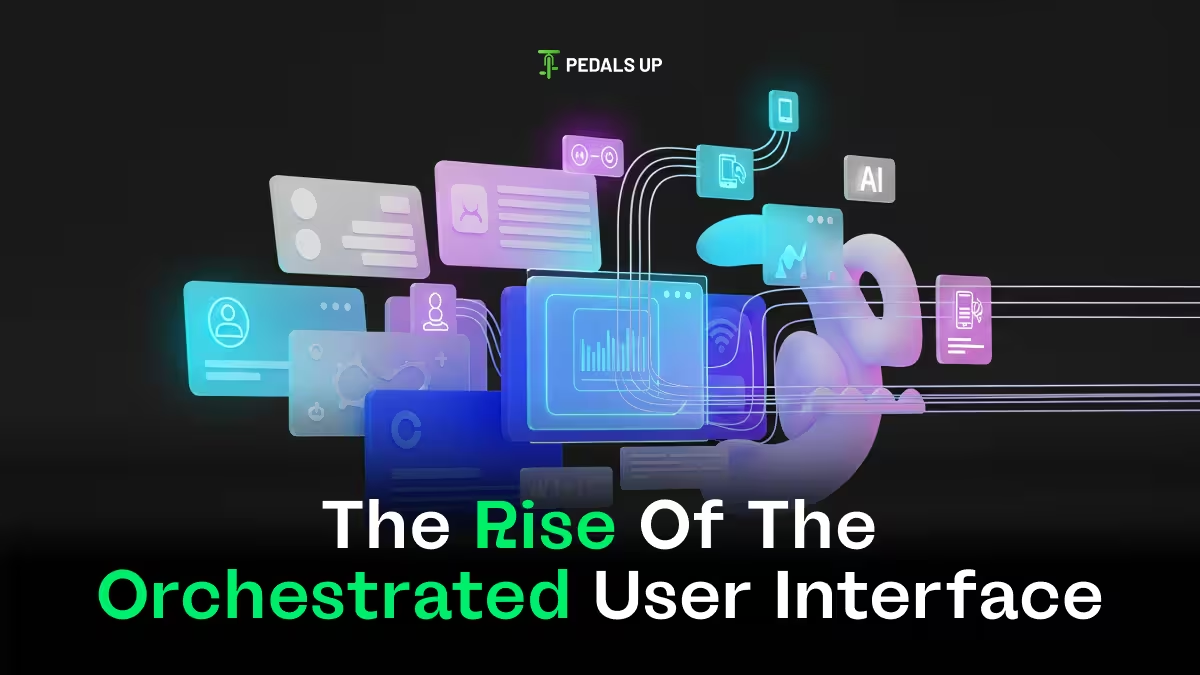
User interfaces used to be these simple things, just static screens you design and then forget about. Like, you wire up the flows, ship it, and the logic happens in the background. However, that’s changing now, I think, because products are becoming increasingly complex. They’re personalized, connected to everything, so interfaces can’t just sit there passively. They have to react to what the user is doing, their intent, the context around them, all in real time.
What is OUI?
This idea of an Orchestrated User Interface, or OUI, comes in here. It’s not some trendy design thing. More like a big shift in building digital stuff.
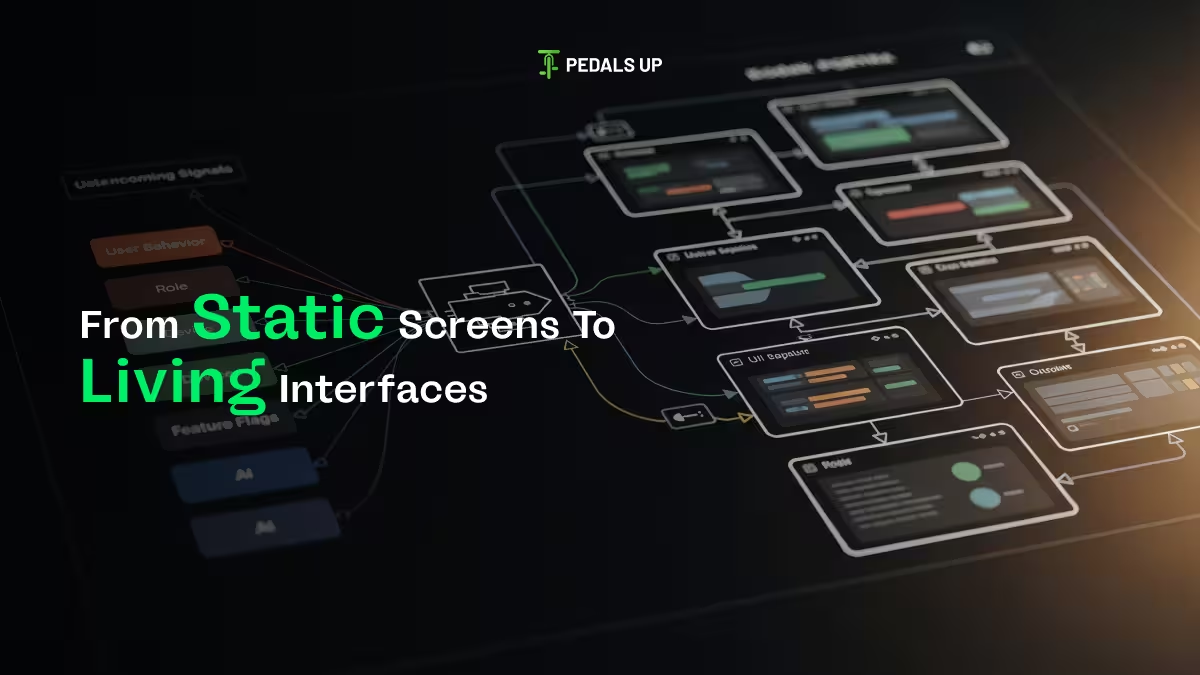
An OUI gets put together dynamically, adapted on the fly, governed by rules instead of being set in stone from the start. No more fixed screens or hardcoded paths that fit everyone the same. Orchestration decides what shows up, when, and in what order, based on signals coming in real time.
Those signals could be:
- User behavior, like what they click on.
- Role and permissions.
- Device type and platform.
- Feature flags for testing and data from experiments.
- Backend states and even AI recommendations.
So the UI ends up as an outcome of all that orchestration, not just the initial design work.
Why is this popping up now?
Products demanded it, not just designers wanting more work. Backends went modular first with microservices, APIs, and event systems for flexibility. But frontends lagged, stayed monolithic, and that created bottlenecks. Orchestration syncs the frontend with how the rest already operates.
Personalization turned into a must-have, too. Users want:
- Onboarding that knows their context.
- Dashboards that adapt.
- Features that show based on needs.
- Progressive stuff where things reveal slowly.
Static logic struggles with that. OUI lets experiences compose right then, for who the user is and what they need. Then AI stepped in, changing decisions at the interface. Not just recommendations, but influencing content shown, actions highlighted, and paths suggested. For AI to matter, the UI has to flex. OUI gives that.
Traditional UI vs. OUI
Traditional UI starts with what screens to build. OUI flips it, asking what decisions shape the interface.
- Static: Screens first, logic after, same for all.
- OUI: Logic first, assembles dynamically, changes by context, easy for flags and tests.
Designers don’t lose control. Design systems turn into rules for composing experiences.
OUI in the Wild
You probably see OUI without knowing the name:
- Onboarding that shifts by signup method.
- Dashboards differ for administrators and operators.
- Features unlocking step by step.
- Content reordered by usage.
- Ecom apps are rearranging for intent.
These are orchestrated choices, not tweaks.
The Technical Requirements
Technically, OUI needs more than design files. It’s system-wide. Building blocks include:
- Composable design systems.
- Frontend state layers.
- Flag platforms.
- API-driven rendering.
- Experimentation tools and analytics are looping back.
- AI or rules for layout.
Without a solid base, it’s fragile. With it, it’s powerful for growth.
Impact on Teams
For teams, this changes things:
- Designers: Move from static screens to modular parts, decision layouts, and experience rules. Theyare architect experiences, not just screens.
- Engineers: Get strategic frontend work, aligned with backend—fewer wiring screens, more state and orchestration management. Boundaries clean up.
Product Managers: Shift from adding screens to what experience users get now. Roadmaps become outcome-based, not screen lists.
The Risks
But OUI can go wrong without care. It can become over-engineered, a “debug hell,” inconsistent, or lose coherence. Orchestration turns chaotic. Pair it with strong systems, clear ownership, explicit rules, and guardrails on AI.
The Future at Pedals Up
At Pedals Up, we view OUI as an evolution. It helps teams build composable UIs, align front and back, personalize sans mess, use AI to guide (not confuse), and scale without yearly rewrites. It’s best when design, eng, and product sync.
Interfaces are living systems now. They respond, adapt, and evolve. With products smarter and connected, OUI goes from advanced to expected. Teams will build it on purpose or trip into it. It seems like that part is still unfolding a bit.