Interfaces Designed Around How People Actually Use Your Product
UI/UX design that starts with real user behavior, gets tested as a working prototype before anything is called final, and hands off as a system your engineering team can actually build from.
A consumer mobile app, a SaaS dashboard, and a data-heavy platform all ask users to do different things. We scope the research, flows, and system around what your product actually needs, not a generic design template.
Interface design scoped to your actual user flows; consistent design language across the full product; built as a system your team can extend.
UX Research and Testing
User and stakeholder interviews where relevant; review of comparable products and friction points; findings that directly shape the design.
Wireframing and User Flows
Low-fidelity wireframes for core flows; information architecture and navigation structure; structural review before visual design starts.
Design Systems and Component Libraries
Component libraries built for reuse; documented spacing/type/color guidelines; systems built to extend as the product grows.
Interactive Prototyping
Interactive, clickable prototypes for core flows; testing with real users or stakeholders before handoff; iteration based on what testing surfaces.
Design-to-Development Handoff
Developer-ready specs and assets; component documentation built for implementation; support through engineering handoff.
Most design projects end with static screens, but we test every major flow as a clickable prototype with real users. We provide a system of components and guidelines, ensuring our designs are validated before launch to avoid later issues.
UI/UX Work We Have Built
Select a category to filter by product type.
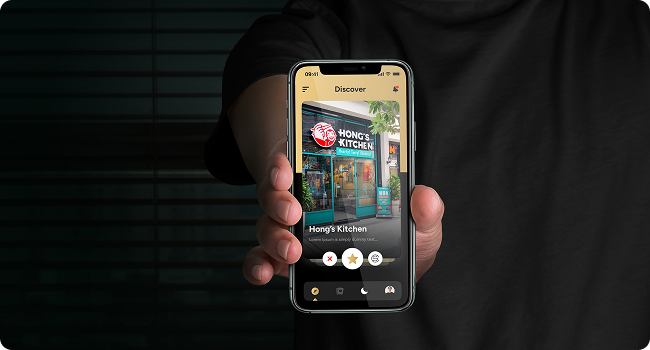
Consumer and Mobile App Interfaces
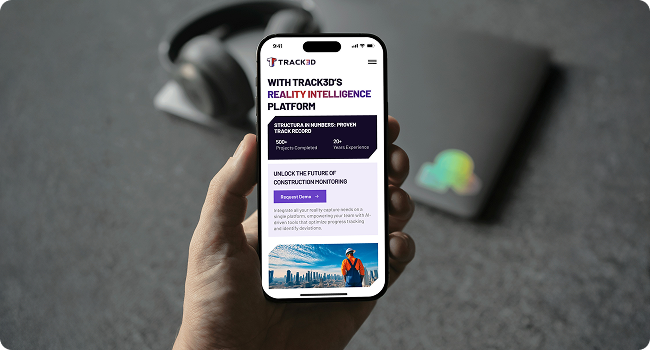
SaaS and Platform Dashboards
Complex and Technical Data Interfaces
Web3 and Crypto Product Interfaces
The Technology Behind Every High-Performing Interface
The tools come from the deliverable, not a default stack. Here’s what’s confirmed so far.
Design and Prototyping
Figma, for everything from early wireframes to fully interactive, testable prototypes.
Technology 1
Technology 2
Technology 3
Technology 4
Design Systems and Handoff
Component libraries and documented guidelines handed off in a format your engineering team can build from directly.
Technology 1
Technology 2
Technology 3
Technology 4
Frontend Implementation
React, Next.js, and TypeScript, when the same team designing the product also builds it.
Technology 1
Technology 2
Technology 3
Technology 4
Six Steps, One Trusted Product Partner
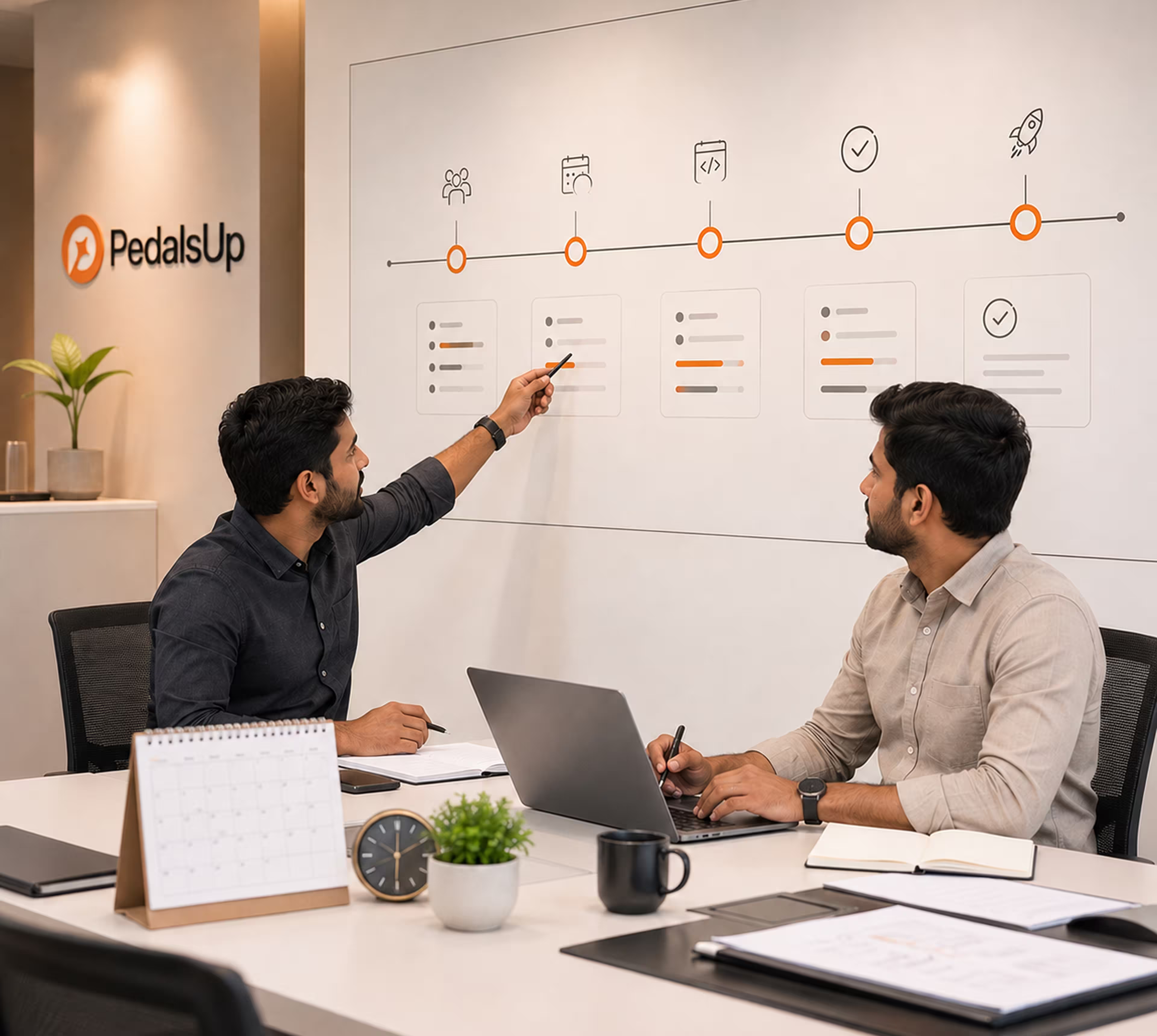
Six stages from first call to handoff, with a checkpoint before each one starts.
Learning How People Actually Use Products Like Yours
03
Wireframing
Structuring the Flow Before Styling It
04
Visual Design
Building the System, Not the Screens Alone
05
Prototyping and Testing
Validating With Real Users Before Handoff
06
Handoff
Documentation Your Engineering Team Can Actually Build From
Why Businesses Choose Pedals Up, Again and Again
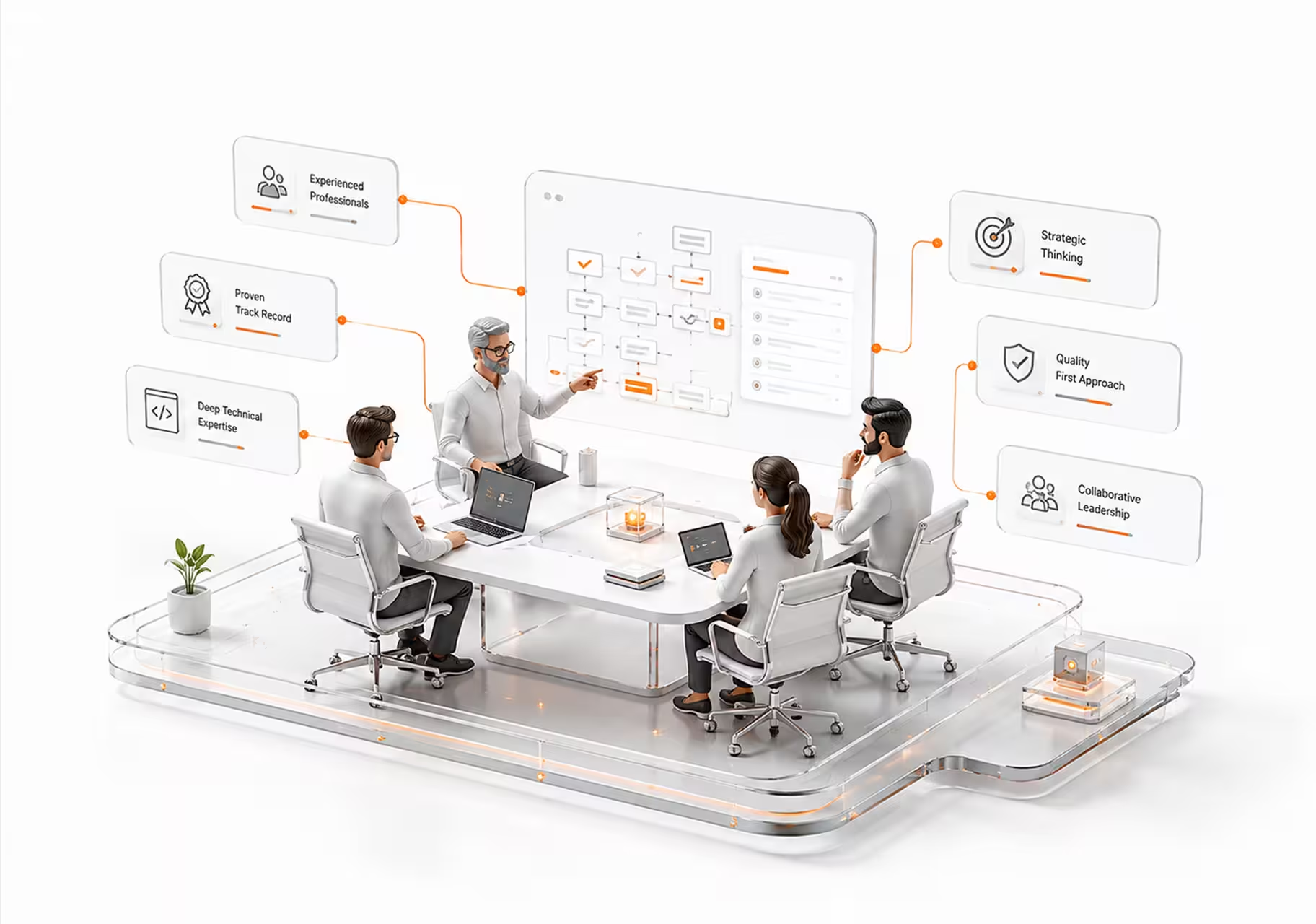
Six things that hold on every product we design, from research to handoff.
Built Around Real User Behavior, Not Assumptions
We design and test for how real users actually navigate your product, not how it looks in a static mockup.
Senior Team
The person who scopes your design stays accountable for it through handoff. Not handed off to whoever’s free that week.
Fixed Pricing
Scope and price agreed before work starts. No markup for extra design rounds or component libraries discovered during review.
Weekly Demos
Every week ships a working prototype you can click through yourself, not a status update describing progress.
Built to Scale
Built on a design system that extends as you add screens and features, not rebuilt from scratch the moment your product grows.
Launch Support
We stay on after handoff. Real usage finds interaction issues a prototype never does, and we’re there for it.
The work, with the outcomes
Solo Connect
A networking app that replaces the traditional business card with an NFC- and QR-based digital profile, with UI/UX designed around instant sharing and contact management rather than a one-time exchange.
A UI/UX redesign for a construction technology platform, turning complex site data into a modern, conversion-focused interface built for construction professionals rather than data specialists.
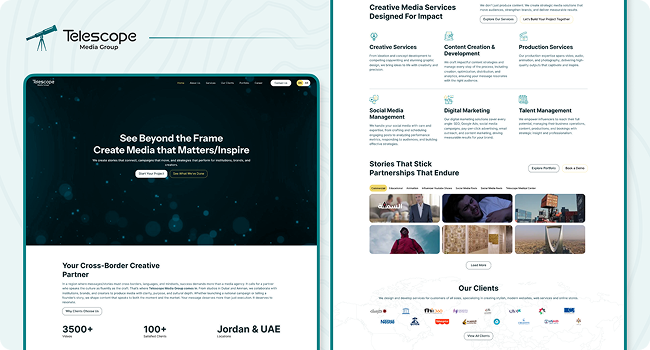
UI/UX design for a full-service media company’s digital presence, balancing creative expression with clear navigation so the breadth of their capabilities doesn’t overwhelm a first-time visitor.