
Table of contents
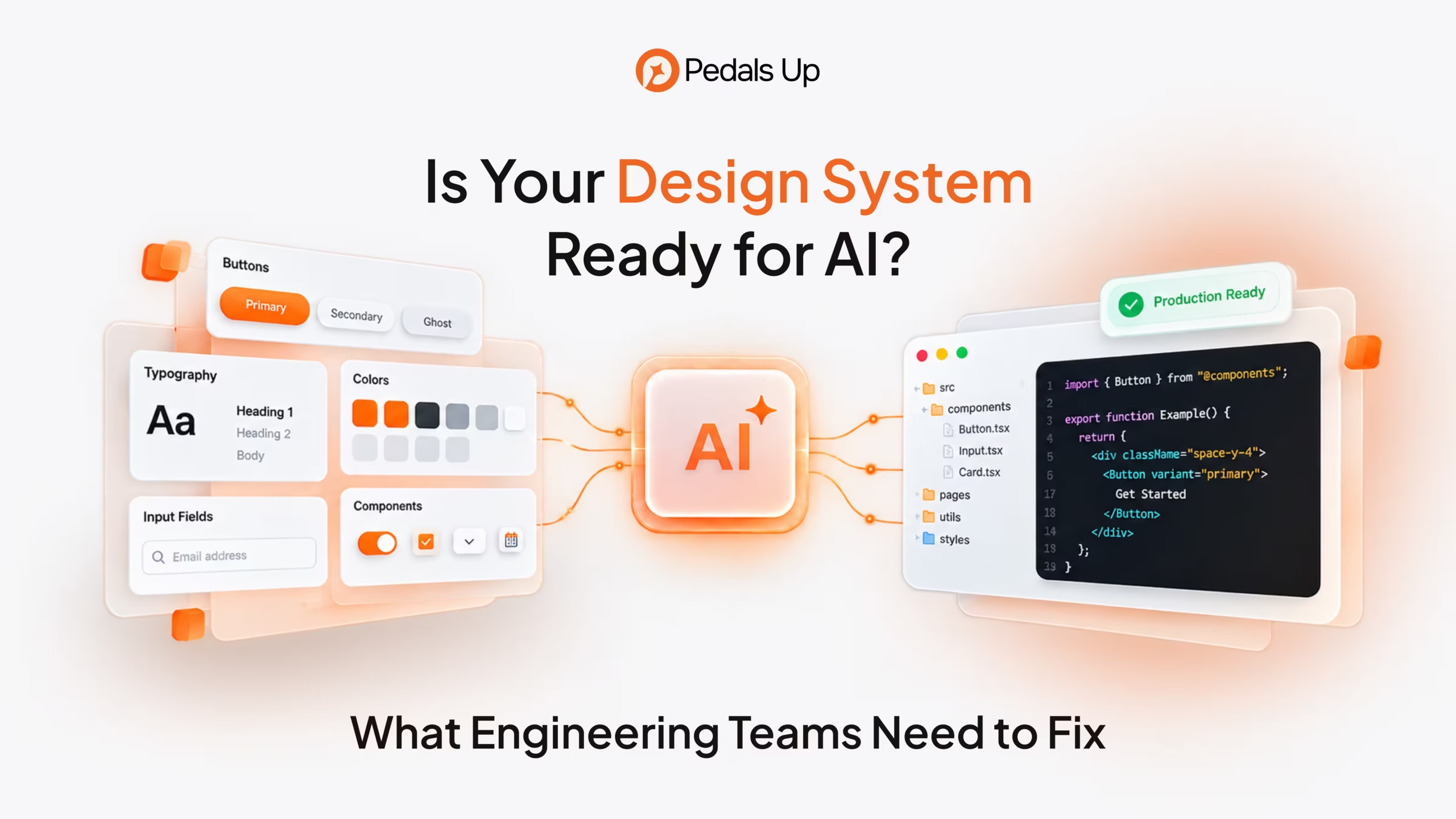
Is Your Design System Ready for AI? What Engineering Teams Need to Fix
A design system can be meticulously organized in Figma and still produce messy results when an AI coding agent touches the product. The agent builds a dashboard that looks convincing, but recreates an existing button, hardcodes spacing, and overlooks an error state. The demo takes minutes. Cleaning up the implementation takes considerably longer.
That is why real estate software development should begin with a business architecture decision, not a feature list. Some capabilities are sensible to buy, others justify custom engineering, and many problems are best solved by connecting the software already in place.
Why a Good Design System Can Fail With AI
Most established design systems contain knowledge that is obvious to their creators but invisible to a tool. A designer knows which confirmation pattern belongs in a payment journey. A frontend engineer knows which React component handles asynchronous validation. Neither rule necessarily appears in a format an agent can retrieve.
Most established design systems contain knowledge that is obvious to their creators but invisible to a tool. A designer knows which confirmation pattern belongs in a payment journey. A frontend engineer knows which React component handles asynchronous validation. Neither rule necessarily appears in a format an agent can retrieve.
A visually consistent library is therefore not the same as a machine-usable system. Readiness depends on whether the right implementation is discoverable, its boundaries are explicit, and mistakes can be detected before release.

Four Foundations of an AI-Ready Design System
Give Tokens Meaning, Not Just Values
Design tokens centralize decisions about color, spacing, typography, and other interface properties. Yet a token named blue-500 does not tell an agent whether it belongs on a primary action, informational banner, or decorative chart. A semantic token such as color.action.primary communicates intent.
That distinction matters when a SaaS product supports dark mode, multiple brands, or customer-specific themes. An agent that inserts a hexadecimal value may produce a correct screenshot while bypassing the mechanism that keeps every theme consistent.
The Design Tokens Community Group published the first stable version of its specification in October 2025. The format helps tools exchange token data, but it does not decide which token belongs in a particular business workflow. Teams must still document those choices and maintain a dependable path from token definitions into production styles.
Treat Components as Behavioral Contracts
A screenshot of a form field reveals its appearance, not its obligations. It cannot fully describe keyboard interaction, error announcements, loading states, input validation, or the way server errors are presented.
An agent needs a component contract: supported properties, permitted variants, interaction states, accessibility requirements, and examples of correct use. The contract should also explain what not to build. If the product already provides a searchable select, creating another one should require justification rather than happen by default.
Components with dozens of loosely defined options give agents more ways to assemble combinations that the design team never approved. Clear variants and controlled extension points reduce ambiguity for human developers too.
Connect Figma Components to Real Code
Many teams effectively maintain two design systems. One lives in Figma; the other lives in production. Names differ, variants drift, and a deprecated pattern survives in old screens. AI agents can amplify that mismatch because they work quickly across many files.
Figma Code Connect links design components to implementations in a codebase. With the Figma MCP server, supported agents can receive actual import and property information instead of guessing from visual layers. Figma’s documentation also makes clear that availability depends on plan and seat, and that connections require ongoing maintenance.
Teams still need to verify that mappings reference current components, that design properties translate correctly, and that agents have the relevant framework context. An outdated mapping can be more misleading than no mapping at all.
Make Engineering Rules Accessible
Brand guidelines are not a substitute for implementation guidance. An agent needs to know where components live, how imports are organized, which styling approaches are allowed, and what testing is expected.
Keep these instructions close to the code and examples they govern. Explain when a new component is justified, who approves changes to shared primitives, and how accessibility checks fit into review. Avoid dumping every internal document into an agent’s context. Conflicting or obsolete guidance can make the output less reliable.
Access should also be deliberate. Connecting design files and repositories may expose more information than a task requires. Scope credentials, limit write permissions, and keep human approval around shared-system changes.
The Hidden Cost of AI-Generated UI
Consider a hypothetical B2B SaaS team adding account settings, billing preferences, and an analytics dashboard. An agent generates all three screens using slightly different field components. Each screen passes an initial visual check, so the team accepts the work.
Months later, a security-related form change requires updates across every variant. An accessibility issue must be corrected in multiple places. A theme refresh exposes hardcoded colors. The apparent time saving has become maintenance work distributed across future releases.
The failure is not that AI wrote code. It is that the delivery process rewarded a convincing screen instead of reuse and long-term consistency.
There is a second risk: an agent may modify a shared component to solve one local problem, unexpectedly affecting other routes. Automated tests, visual regression checks, and code ownership rules help contain that risk.
What the CMS Design System Shows
The US Centers for Medicare & Medicaid Services offers a documented technical example. Its design system explains how developers can pair Figma Code Connect with the Figma MCP server and an AI coding assistant such as GitHub Copilot to work from established React components.
Crucially, CMS lists the components with Code Connect support and identifies limitations. Some components lack mappings. Certain properties do not translate directly from Figma to React, and example callbacks may be placeholders that developers must replace.
That transparency is more valuable than promising perfect design-to-code conversion. It distinguishes authoritative implementation context from areas where the agent is approximating. It also avoids confusing a documented workflow with evidence that every generated screen is used in production.
Prepare the Existing System Before Buying More Tools
Start with one workflow that changes often, such as onboarding or account management, and compare three things: its Figma definitions, the actual production components, and the instructions developers follow.
Identify where names differ, variants are undocumented, or behavior exists only in someone’s head. Prioritize frequently used components and high-risk interactions. A shared payment form deserves attention before an obscure decorative card.
Then give an agent a bounded assignment using approved components. Require it to identify missing capabilities rather than invent replacements silently. Review the output for imports, token usage, state handling, keyboard behavior, and unintended changes to shared files.
Treat recurring mistakes as system feedback. If agents repeatedly misuse the same component, the problem might be poor discoverability or an unclear API, not simply model performance. Improve the source of context, rerun the task, and see whether the failure disappears.
One useful sequencing rule is to fix the source of truth before expanding agent access. More powerful tooling cannot reliably compensate for contradictory component definitions.
Measure Readiness by What Survives Review
Screen generation speed is an incomplete measure of productivity. Track the proportion of AI-assisted interfaces that reuse approved components, unsupported variants introduced, accessibility defects found, and time engineers spend correcting generated work.
Compare similar tasks with and without AI assistance. Include review and maintenance effort, not just the time to produce a first version. Otherwise, a team may celebrate faster implementation while shifting the cost into QA and later releases.
If every feature needs a new component, the design system may be too restrictive, or the product may have evolved. AI readiness should support product change, not freeze design decisions indefinitely.
For a small product with few reusable patterns, extensive preparation may cost more than it saves. For a mature platform with multiple teams, themes, and frequent interface changes, improving these foundations can have wider benefits even beyond AI.
Build a System That Engineers and Agents Can Trust
An AI-ready design system is not a separate library made for machines. It is a clearer connection between product intent, design assets, component APIs, and production safeguards.
Before scaling AI-assisted UI development, identify the decisions your team still communicates informally. Turn the recurring ones into usable rules, connect them to real components, and verify that generated changes respect them.
PedalsUp’s design engineering services focus on reusable design systems, component libraries, and implementation-ready handoffs. If your product team is exploring AI-assisted development, a focused design system and architecture review can identify which gaps to resolve first, without committing to an unnecessary rebuild. Explore our broader product engineering services to see how design and implementation can be planned together.